⚠ COMING OCTOBER 15TH ⚠
ISSUE 1.3 • Spooky Halloween Edition:
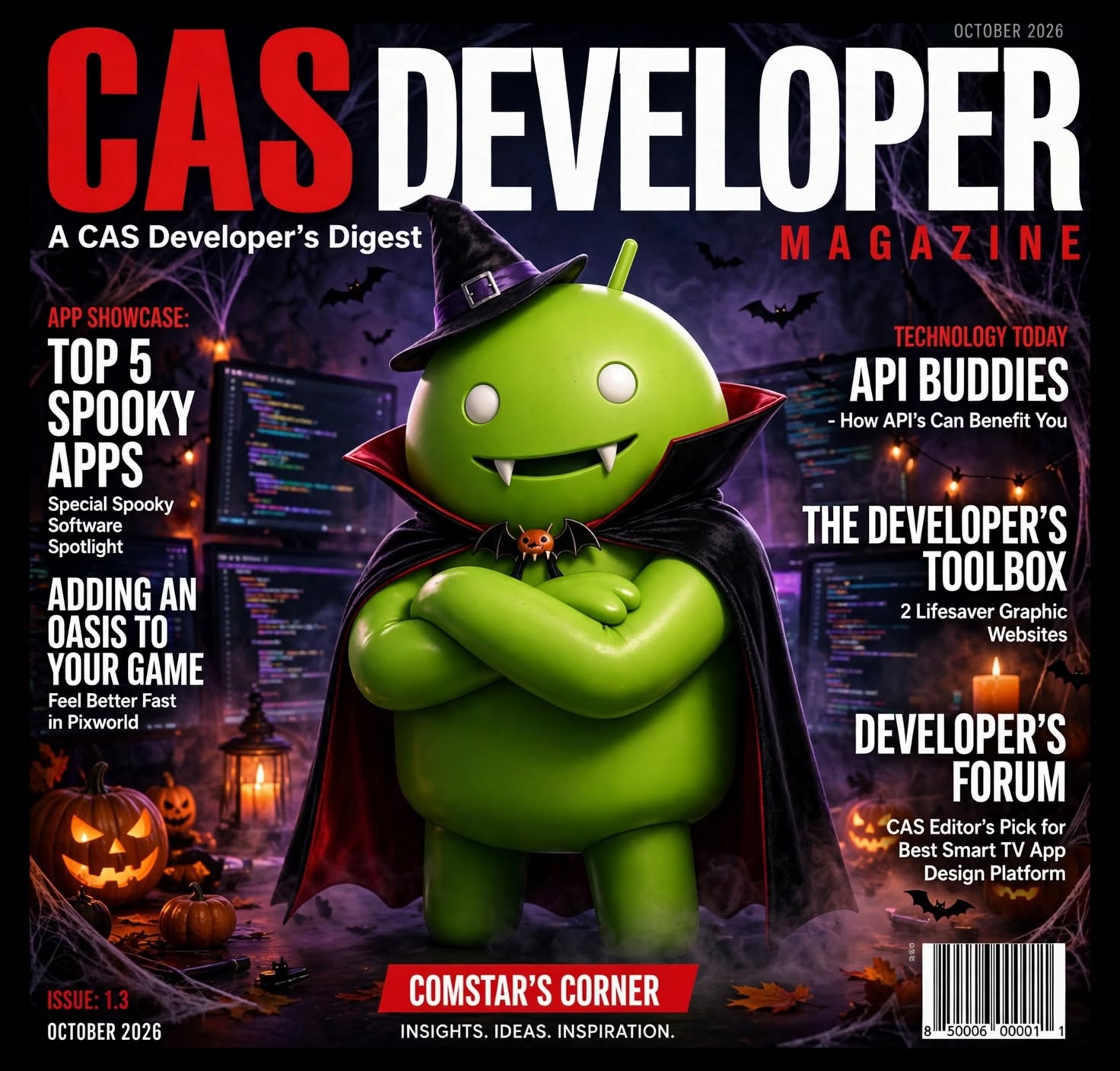
Stay up to date with the new CAS Telegram Channel
CAS App News on Telegram
Big news for AppCreator24 developers! A new app store devoted entirely to AC24 apps is now open. AppMarket24.com makes it easy to publish your apps. Check out the new menu option under GENERAL INFO.
Visit AppMarket24
🏅 ComStar App Store Top Developers
⚠ Why You See a Warning When Downloading Our Apps
Android may show messages like “This type of file can harm your device” or “Install blocked” when downloading apps from our site. This is normal for apps installed outside the Google Play Store.
🤔 Why Does This Happen?
- Android uses a security system called Google Play Protect.
- It flags apps from unknown sources — meaning not from Google Play.
- This does NOT mean our apps are harmful — only that Google hasn’t reviewed them.
✅ How to Approve Downloads from Our Site
For Android 8.0 and Above:
- Open Settings.
- Go to Apps & notifications.
- Tap Advanced → Special app access.
- Select Install unknown apps.
- Choose your browser (e.g., Chrome).
- Enable Allow from this source.
For Android 7.x and Below:
- Open Settings.
- Tap Security.
- Enable Unknown sources.
- Confirm the warning prompt.
🔒 Stay Safe While Sideloading
- Only download apps from trusted sources like ComStar.
- We scan all uploads for malware and ensure they meet safety standards.
- You may disable the permission after installation if desired.
🛡 Our Commitment
We’re a 100%