
Category: Arts
Platform(s):
Developer: Younetwork 's App Store (View Storefront)
Offline AI with Image and video support(beta)
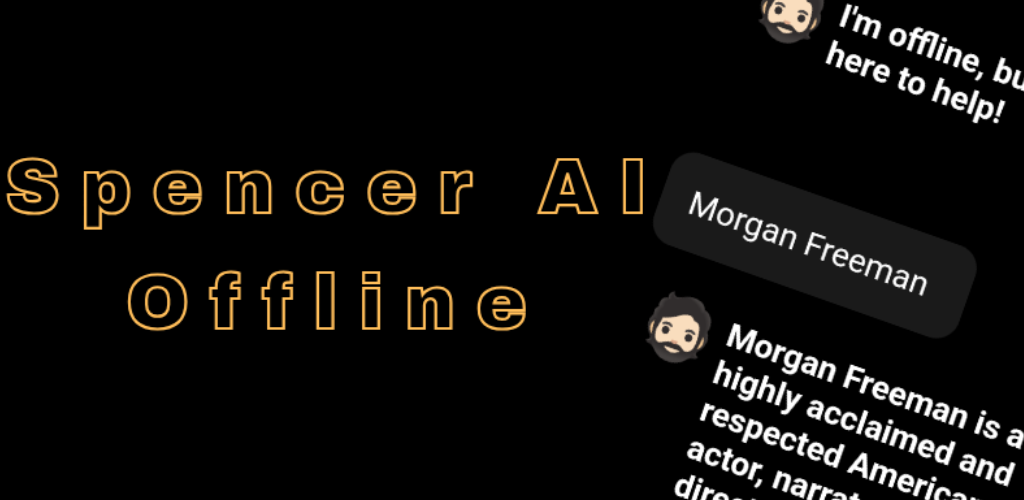
Spencerai offline chatbot is an offline chatbot specially made for conversation and offline text basic generations amongst others.
The previous version has been outdated for a long time and over due for an update. So here it is.
Core Updates:
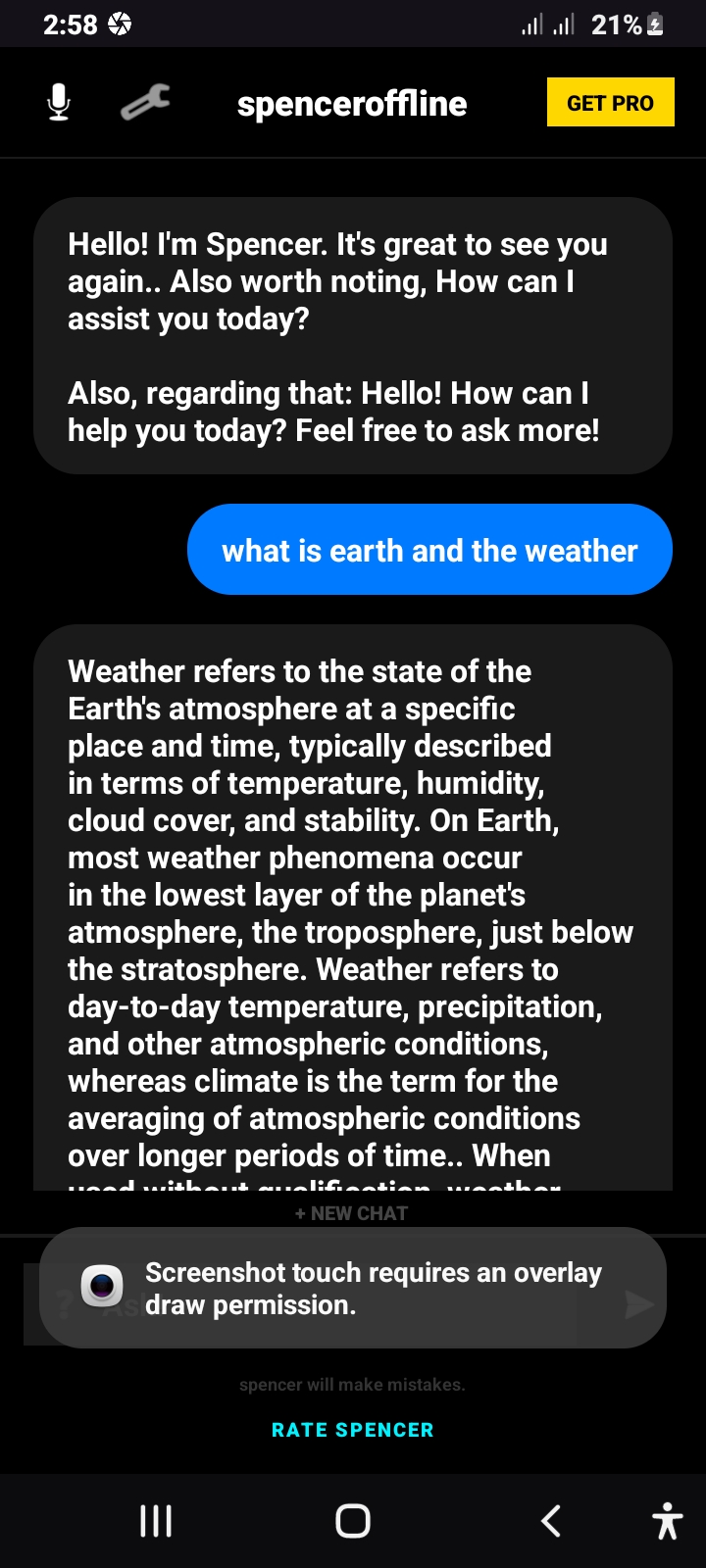
Chatting
- Extended conversation basic (limited Spanish support)
Audio Generation (Offline)
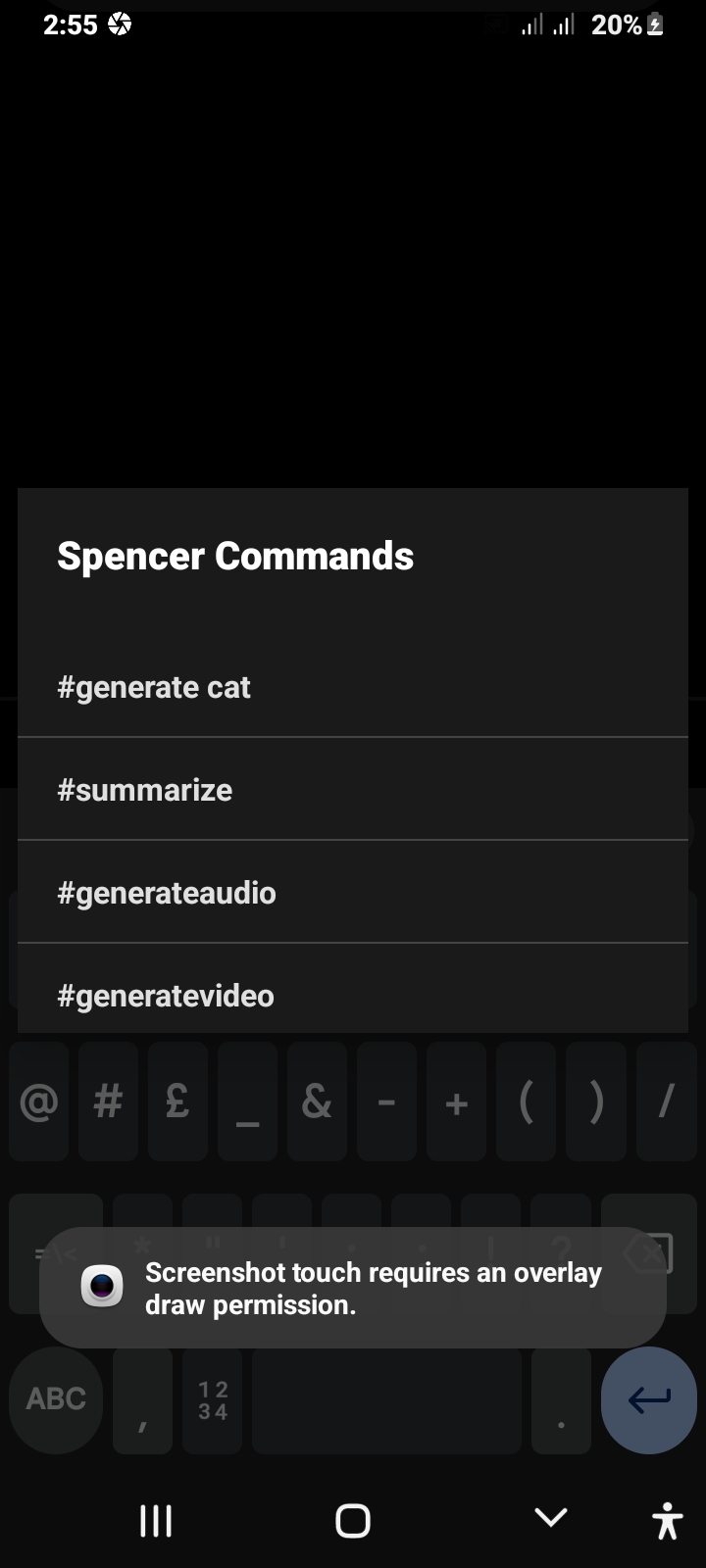
Using #GenerateAudio in the command palette.
Add the text you want to change to audio.
Using your phone TTS, audio will be generated.
You can change the voice in the settings.
There are voice ratings for which voice is suitable.
Image Generation (Template)
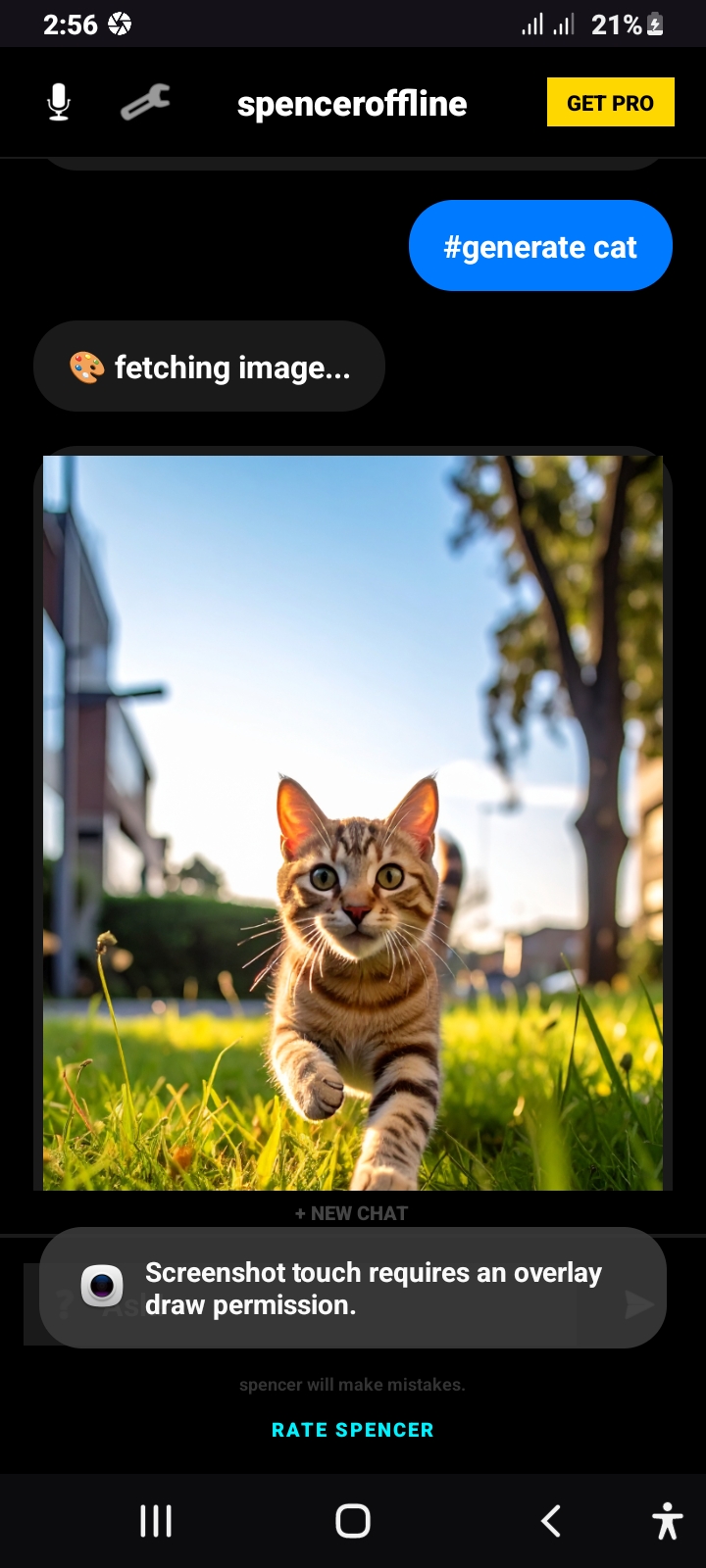
This is basic image templates, to get an image.
Use the command #GenerateCat or the name of an available image.
(Only cat images available)
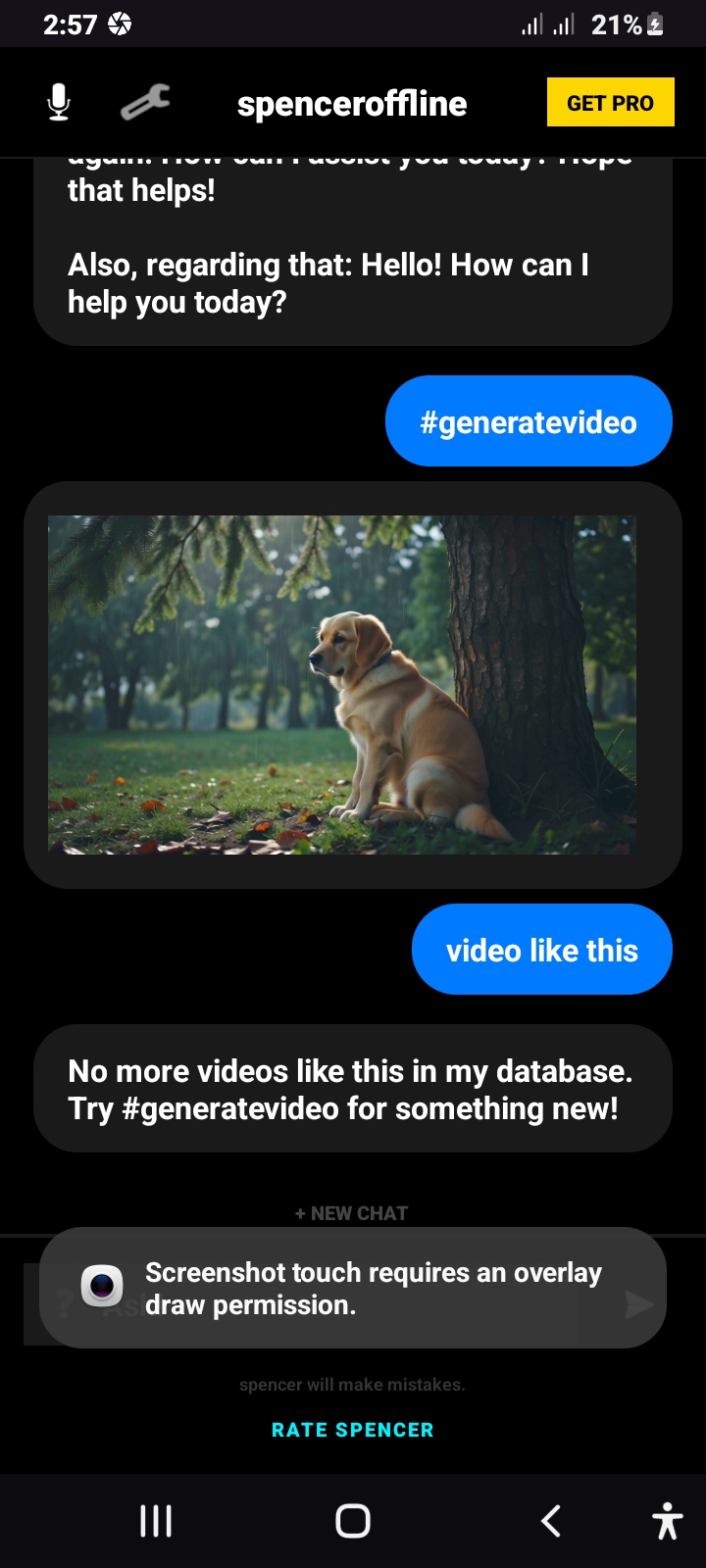
Video Generation (Template)
This is video template and limited, to get a video.
Use the command #GenerateVideo.
Related Video
If you want to get a related video similar to the one you generated, use the keyword:
"Video like this" after the last video generation.
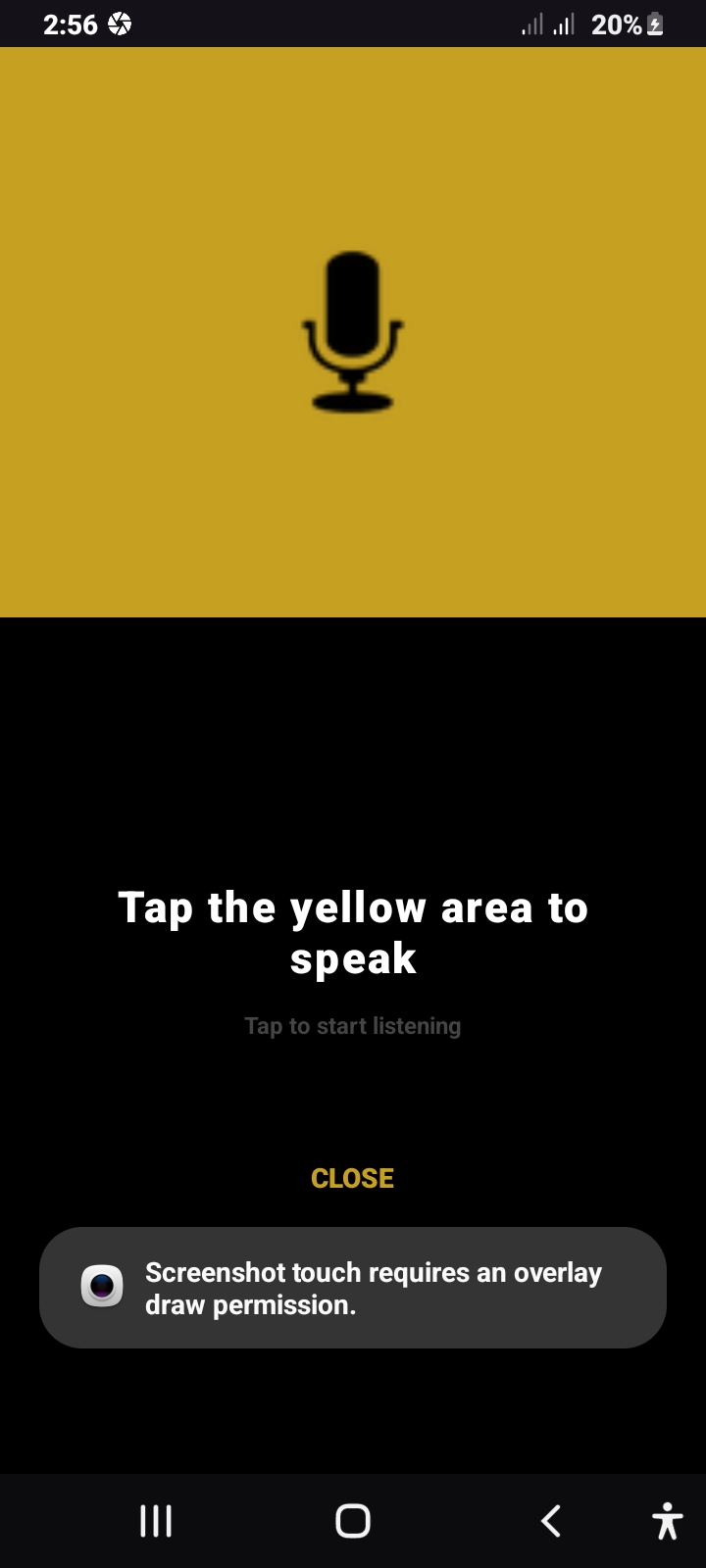
Voice
You can use text offline voice using your device TTS to speak with you.
You must have offline speech recognition option turned on for this to work.
Wikipedia
The chatbot has a limited edition of the latest Wikipedia info and can be asked to generate a substantial amount of text for you.
Use the command "tell me more" to squeeze more text out of spencer
Summarize
You can summarize long text.
Use the command #Summarize [your text] and you'll get an offline summary.
Works instantly.
Privacy
The chatbot will not be able to access your generated audio and video and will not make conversation about it.
All your chats are offline.
No data is sent anywhere.
Features
Some features may be unavailable, but more features will be added on every update.
Personalization
If you want some personalization, the chatbot can remember and use your name in conversations.
All you have to do is introduce yourself.
Online
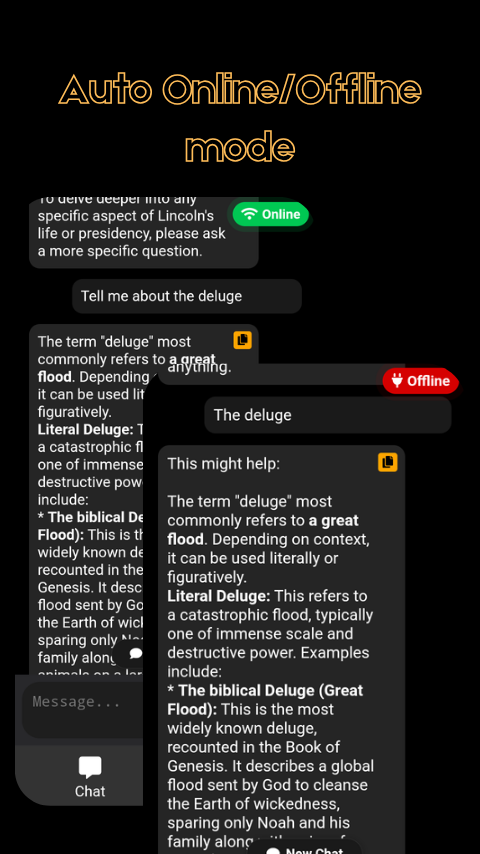
When you open the app with internet, you will instantly use an online version of the Chatbot. When your internet is off, It automatically switches to the offline version. The online version will not handle any features. You must switch to the offline version to get any features like the audio and images generation.
This version is optimized.
📸 Screenshots:
Total Downloads: 69
⬇ Direct Downloads:
Android APK💬 User Reviews:
2025-10-19 11:02:39
★★★☆☆
App is clean. Smooth operation. But I'm unable to generate any responses.
2025-10-16 17:06:57
★★★☆☆
@testadmin thanks for trying it out. I Will fix this, Expect an update soon
2025-10-16 04:14:16
★★★☆☆
I am having the same problem in all models. "My offline knowledge doesn’t cover this yet." I don't think it's working, either.
2025-10-15 22:29:39
★★★★★
@Corey187
Thanks for trying it out.
All you have to do is change the model amd it will work. After you change the current model, it will give a response, then you can switch back to the prior model you changed from. It will give a response.
That was a bug
2025-10-15 17:07:26
★★☆☆☆
I can't seem to get it to give any responses. Keeps saying to try another question. I'm about 10 questions in and zero answers. Is it working?
2025-10-15 06:48:56
★★★☆☆
I forgot to mention, there are ad link in some of the responses, but only if you tap on them. I literally forgot to remove them. It doesn't cause any trouble, you won't even know that there are there.
Gracie
Please log in to leave a review.