Category: Information Technology
Platform(s): Android, Windows, SmartTV, iOS, MacOS, Linux
Developer: ComStar Production (View Storefront)
### **TiG - The Internet Guy**
*Your connection’s best friend*
#### **What is TiG?**
TiG is a suite of browser-based internet diagnostic tools built for normal people, not network engineers. It takes scary tech concepts like ping, latency, Mbps, packet loss, and DNS and translates them into plain English with personality.
Think of TiG as that tech-savvy friend who explains your WiFi problems without making you feel dumb. No jargon. No judgment. Just straight answers.
Created by **ComStar Productions** and designed to run anywhere — web, Android via App Creator 24, or hosted on your own site.
#### **Core Philosophy**
1. **Speak Human**: If your internet is slow, TiG won’t say “154ms latency with 12% jitter.†TiG says “Like mailing a letter across Virginia.â€
2. **Be Honest**: TiG doesn’t pretend to be 100% accurate. Browser tools have limits. But great measures are taken to give you the most reliable result possible with the tech available.
3. **Look Good**: Dark mode, neon glow, 3D buttons, voice overlay. Because utilities don’t have to be ugly.
4. **Respect Users**: Works on low-end devices. No data collection. No ads. Just help.
#### **The TiG Toolkit**
| Tool | What It Tests | How TiG Explains It |
| --- | --- | --- |
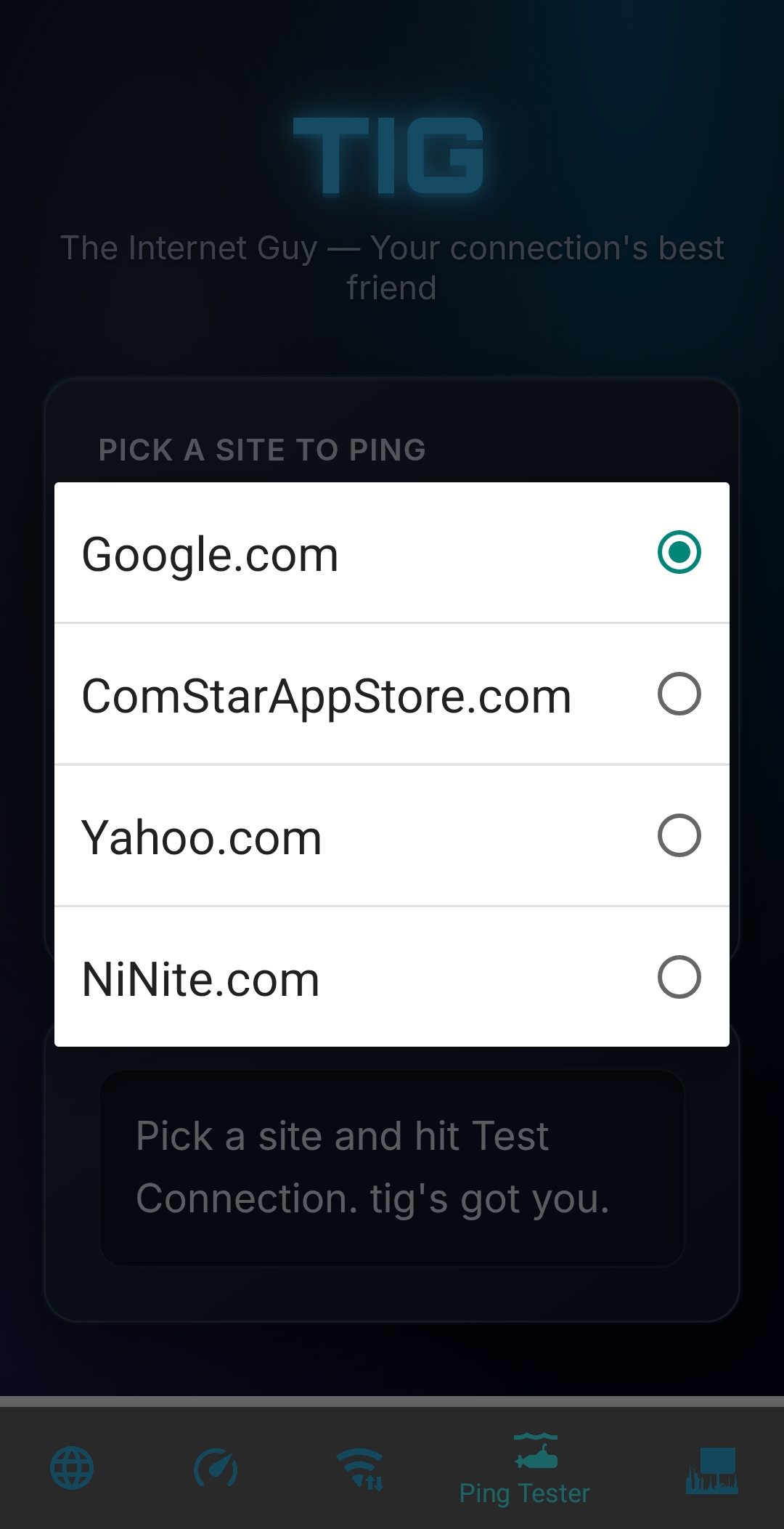
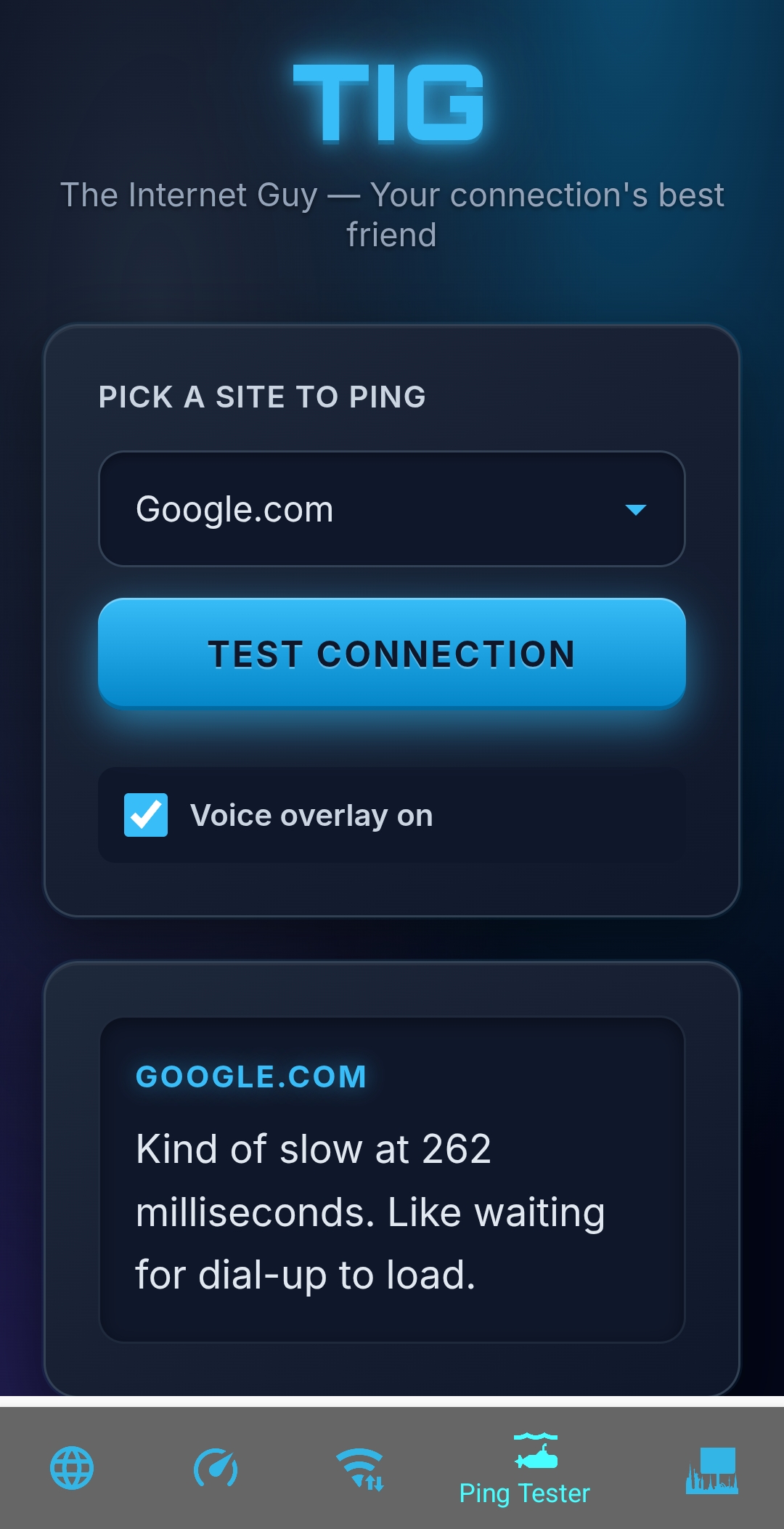
| **Ping Tester** | Connection speed to sites like Google, Yahoo, ComStarAppStore | "Blazing fast at 23ms! Like shouting to someone in the same room." |
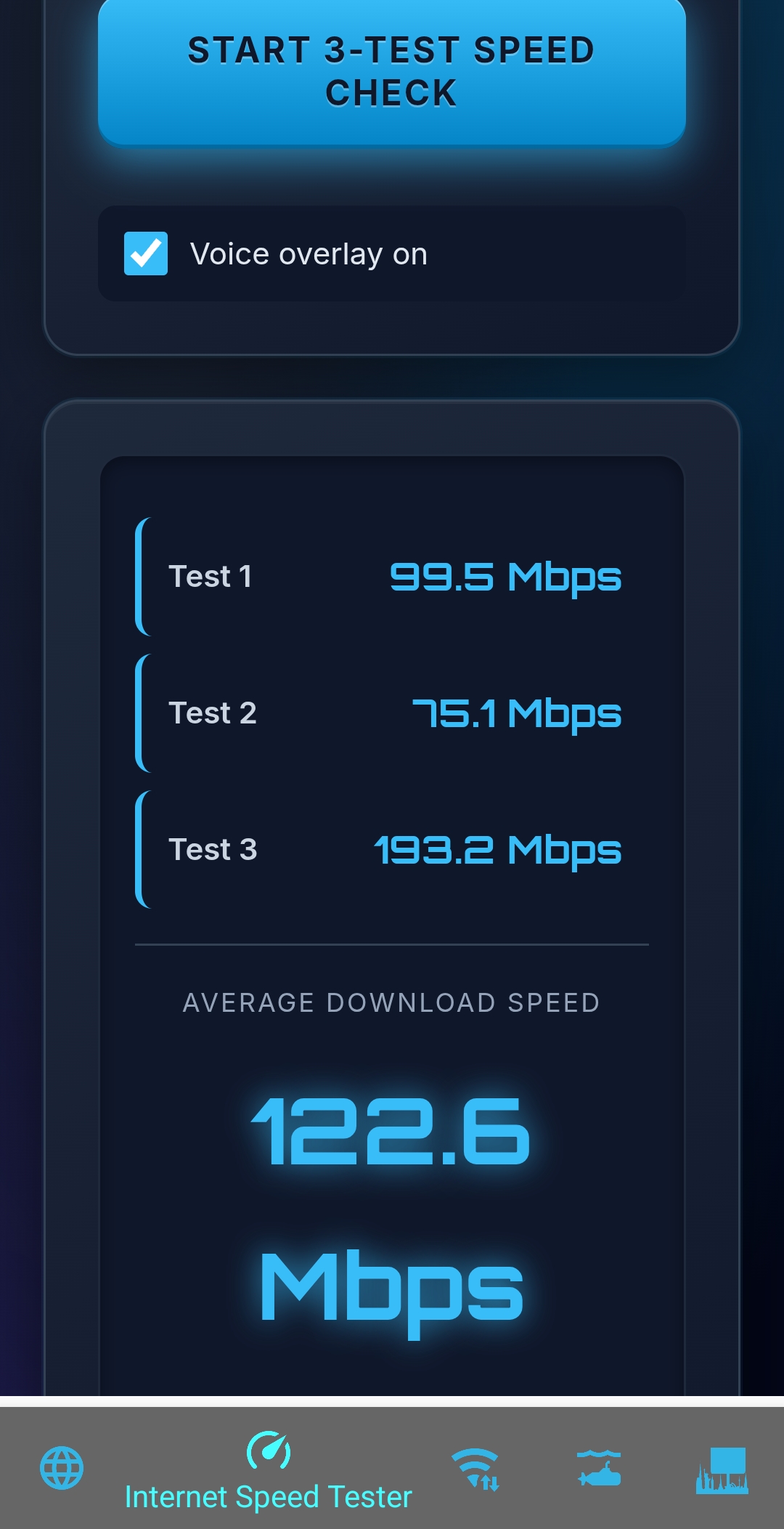
| **Speed Test** | Download speed with 3-test average for accuracy | "87.3 Mbps average. Super fast! Like a sports car on an open highway." |
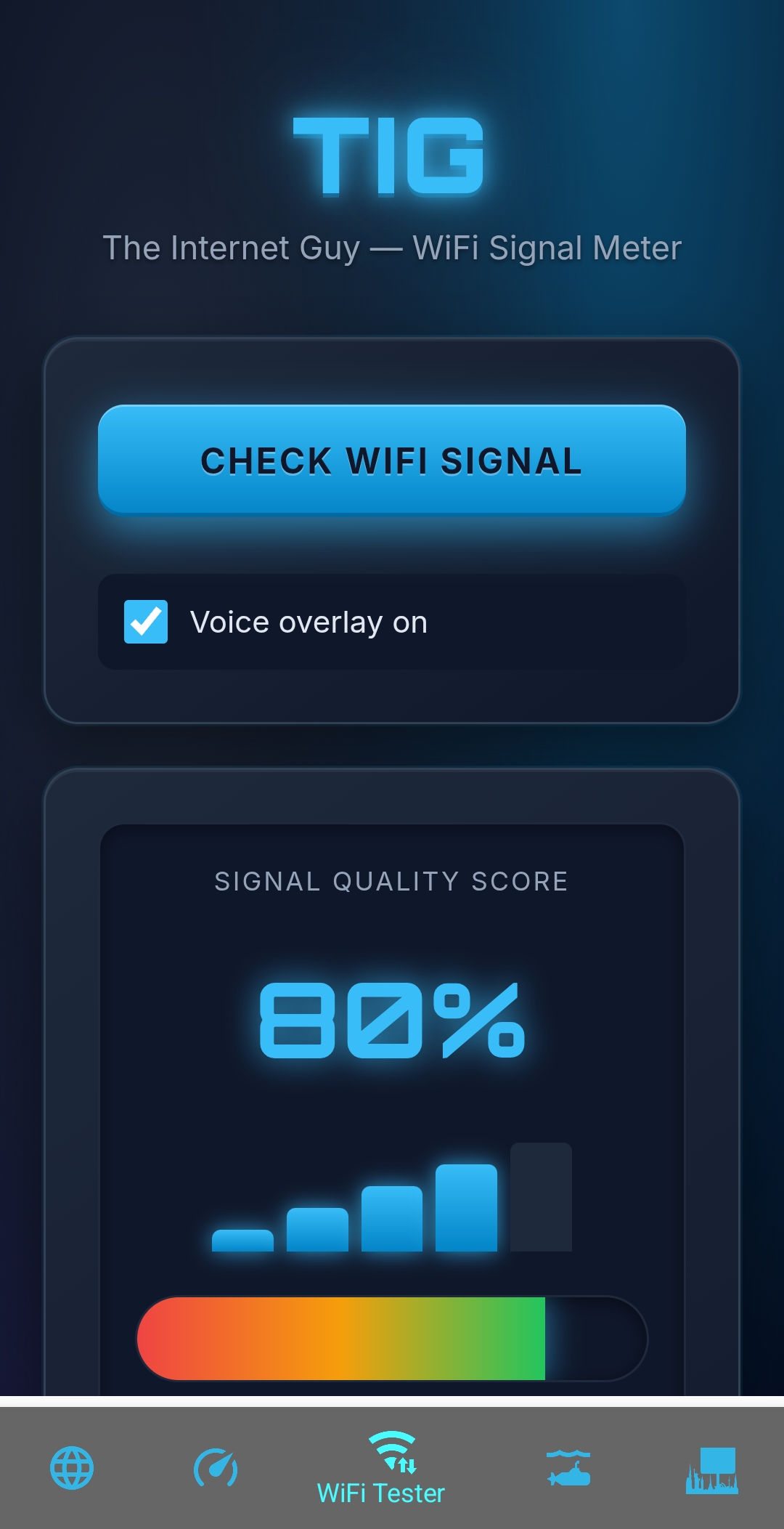
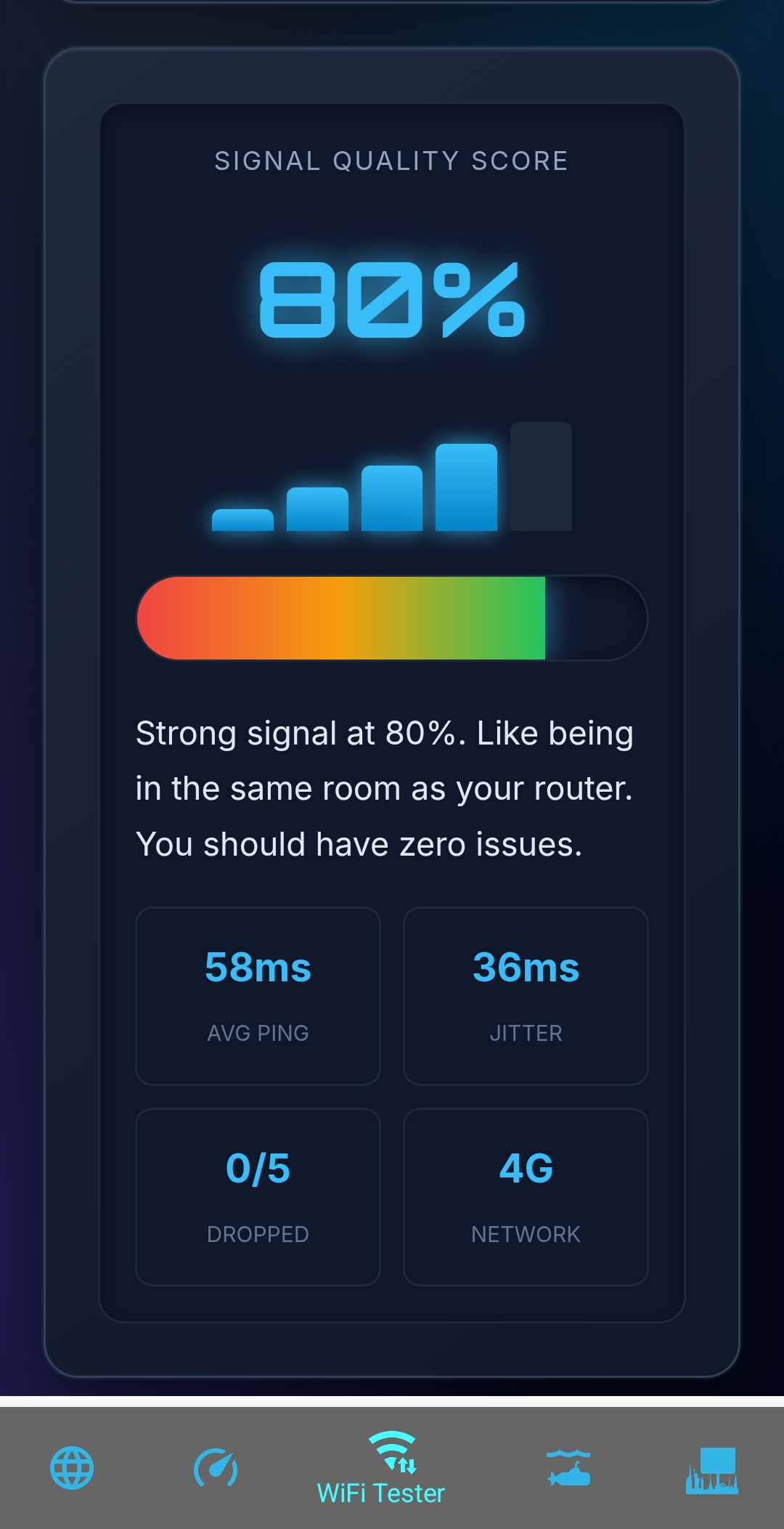
| **WiFi Signal Meter** | Connection stability, jitter, packet loss → Signal Score | "Strong signal at 82%. Like being in the same room as your router." |
| **Coming Soon** | IP Info, DNS Checker, Website Status, Data Calculator | "Is Facebook down or is it my WiFi? tig knows." |
#### **Key Features**
1. **Voice Overlay**: TiG literally talks to you. Toggle it on/off. Says “tig†not “T-I-G†so it sounds natural.
2. **3-Test Accuracy**: Speed and signal tests run 3 times and average the result. Because one test can lie.
3. **Relatable Results**: Every number gets a real-world comparison. 150ms isn’t “high latency†— it’s “like waiting for dial-up.â€
4. **Android Version**: Wrapped for App Creator 24 so you can use TiG offline. Some features like voice may vary by device.
5. **Online Version**: Full experience at `https://tinyurl.com/theinternetguy` with no browser limits.
#### **Who Is TiG For?**
- **Home users** wondering “why is Netflix buffering?â€
- **Gamers** checking if their ping is good enough for Fortnite
- **Parents** figuring out if the router needs to move
- **Small business owners** testing if their ISP is delivering promised speeds
- **Anyone** who’s tired of speed tests that look like 1999 and talk like a robot
#### **The Tech, Explained Simply**
TiG runs 100% in your browser. No installs. No servers needed. It uses:
- `fetch()` with timing to measure ping and download speed
- `navigator.connection` to check network type
- `speechSynthesis` for voice overlay
- Canvas particles + CSS for the glowy 3D look
Limitations: Browsers can’t see your real WiFi bars or do true traceroutes. TiG works around that by testing what actually matters — the end result you feel.
#### **Branding**
- **Name**: TiG = The Internet Guy. Always lowercase “tig†in speech so it’s pronounced right.
- **Logo**: Internet repair tech working on a router. Blue/cyan neon. App icon at `https://www.appcreator24.com/srv/imgs/gen/4019564_ico.png`
- **Voice**: Friendly, slightly snarky, never condescending. Like a helpful neighbor.
- **Colors**: `#020617` background, `#38bdf8` neon cyan, `#1e293b` cards. Orbitron font for logo, Inter for body.
#### **The Fine Print**
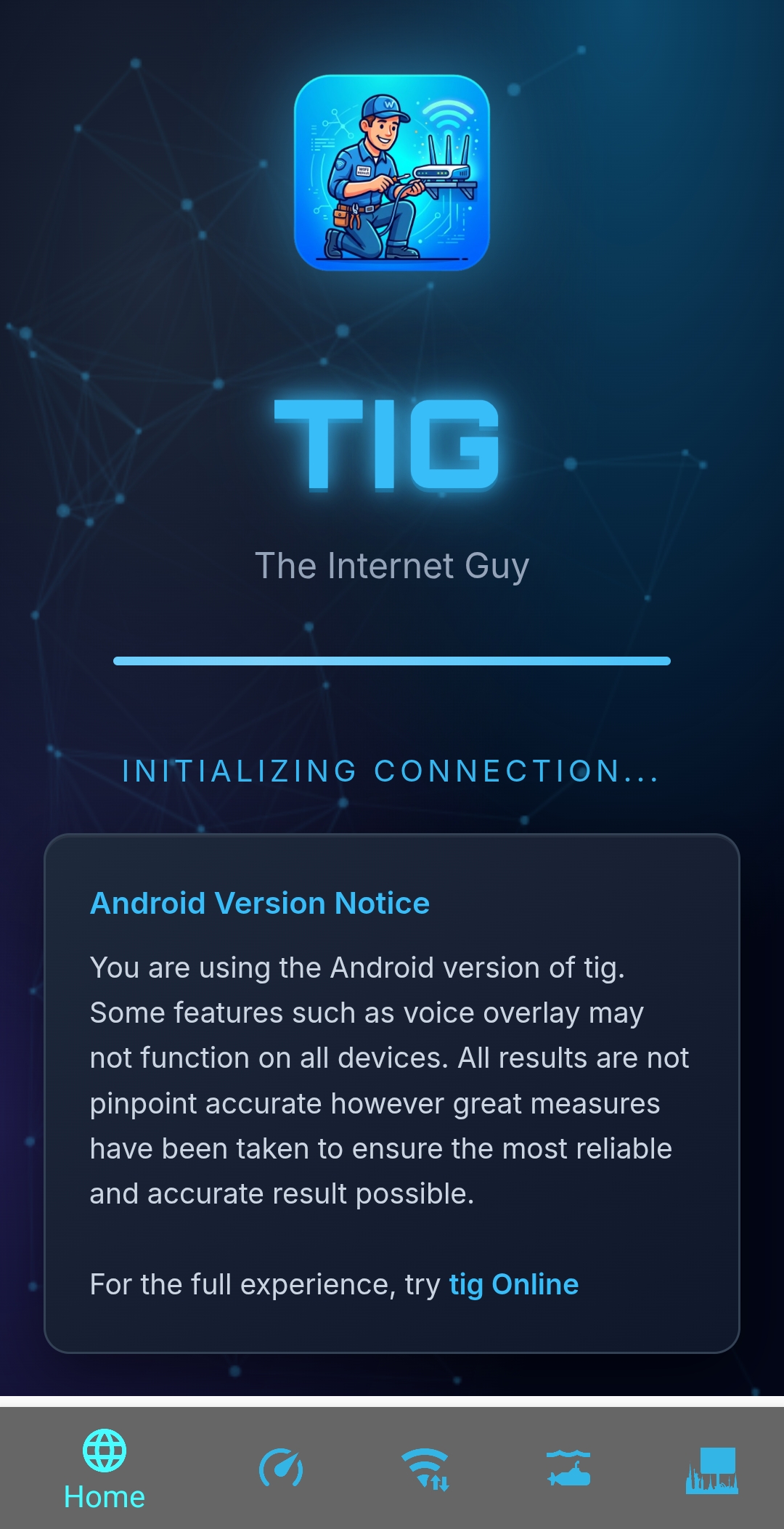
You are using the Android version of tig. Some features such as voice overlay may not function on all devices. All results are not pinpoint accurate however great measures have been taken to ensure the most reliable and accurate result possible.
For the full experience, try **tig Online**: https://tinyurl.com/theinternetguy
📸 Screenshots:
Total Downloads: 146
⬇ Direct Downloads:
Android APK🏪 Store Links:
🪟 Microsoft Store🎵 iTunes Store🌐 Web Apps:
🌐 Web App 13 (GlassOS)🌐 Web App 14 (Other)💬 User Reviews:
2026-05-03 15:02:12
★★★★★
App has been tested and is safe for download
Please log in to leave a review.